Online security basics: strong passwords, two-step protection and avoiding phishing
A neutral, source-based guide to protecting your accounts and personal data online: how to build a password, why two-factor authentication matters, how to recognize phishing (scam messages), and what to do if you are hacked. This is not technical or legal advice.
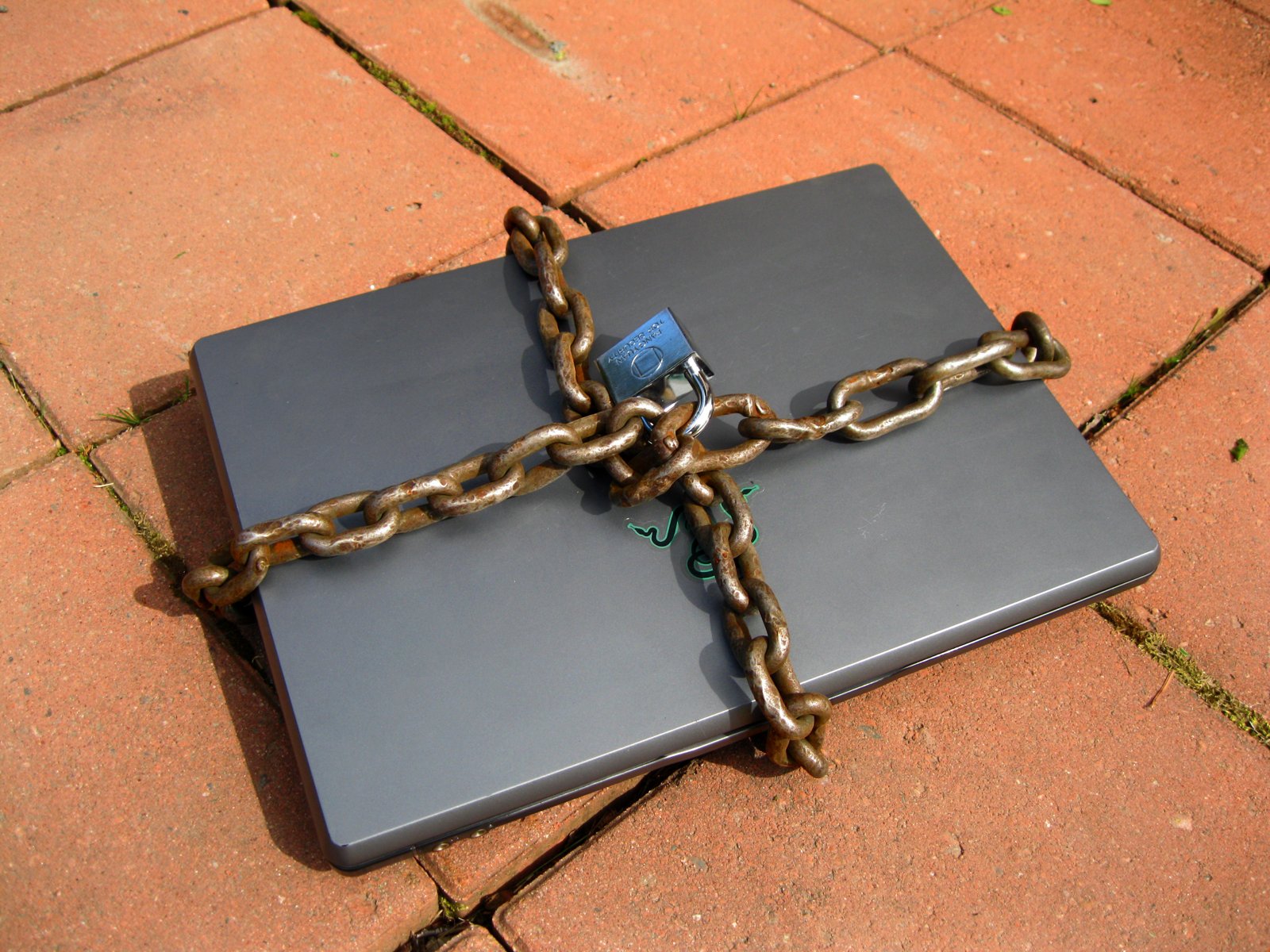
Today much of banking, government services, work and family contact happens online. So online security is no longer just a job for specialists but a daily habit for every user. According to the U.S. Cybersecurity and Infrastructure Security Agency (CISA) and the Federal Trade Commission (FTC), most account breaches are not sophisticated attacks but simple carelessness — a weak or reused password and falling for a scam. (Source: CISA — Secure Our World; FTC — Online Security.)
1. Passwords: length matters more than complexity
According to the U.S. National Institute of Standards and Technology (NIST), a password's main strength is its length — not a forced mix of symbols and numbers. So an easy-to-remember but long passphrase (for example a string of several random words) is often more reliable than a short, scrambled password. The most important rule: use a separate, unique password for each account — because if one site leaks, a shared password opens all your other accounts. (Source: NIST — Digital Identity Guidelines, SP 800-63B.)
2. A password manager
Remembering dozens of complex, different passwords is nearly impossible. So CISA and the FTC recommend using a trusted password manager: it stores all your passwords encrypted, and you only remember one strong master password. This is far safer than writing passwords in a notebook or keeping them openly in a browser. (Source: CISA — Secure Our World: Use Strong Passwords and a Password Manager.)

3. Two-factor authentication (2FA/MFA)
Multi-factor authentication (MFA or 2FA) adds a second confirmation to your password (a code sent to your phone, or a dedicated app/key). According to Microsoft, an account with MFA enabled is 99.9% less likely to be compromised, because even if a thief knows the password, they cannot pass the second step. A dedicated authenticator app or a physical security key is more reliable than a code sent by SMS. CISA calls this one of the most important protective measures. (Source: Microsoft Security; CISA — Turn On MFA.)
4. Phishing: recognizing scam messages
Phishing is an attempt to extract a password, code or money from you through a fake message (email, text or call) pretending to be a bank, a government body or a familiar company. The signs: an urgent or frightening tone ("your account will be blocked"), an unknown or slightly altered sender address, odd links, and requests for personal data or a verification code. The FTC's rule is simple: never give your verification code to anyone and do not rush to click a link — contact the organization yourself through its official number or website to check. (Source: FTC — How to Recognize and Avoid Phishing Scams.)
5. Keep software updated
Updates to the operating system, browser and apps often close security holes. So keeping devices and apps regularly updated is one of the simplest yet most effective protective measures. Turn on automatic updates where possible. (Source: CISA — Secure Our World: Update Your Software.)
6. Personal data and social media
Information you post on social media (date of birth, address, family members, travel plans) can become a weapon for fraudsters. Check privacy settings, do not reveal too much to strangers, and give apps only the permissions they need. Be careful about logging into banking or sensitive accounts on open (public) Wi‑Fi. (Source: FTC — Online Privacy and Security.)
What to do if an account is hacked
If your account is hacked or you have fallen for a scam: change the password immediately and turn on two-factor protection; if the same password is used elsewhere, change it there too; if it involves a bank, notify the bank. In the U.S. you can report fraud to the FTC (ReportFraud.ftc.gov) and internet crime to the FBI's IC3 (ic3.gov). This article is general information, not technical or legal advice. (Source: FTC — ReportFraud.ftc.gov; FBI — IC3.)
